Design Assets · 5 tools
Color tools for interface design
Color tools that understand interfaces: perceptual color spaces, palettes generated for light and dark themes, and contrast checks that match how people actually read text on screen.
5 of 5






Frequently asked questions about Color tools for interface design
What are the best color tools for UI design in 2026?
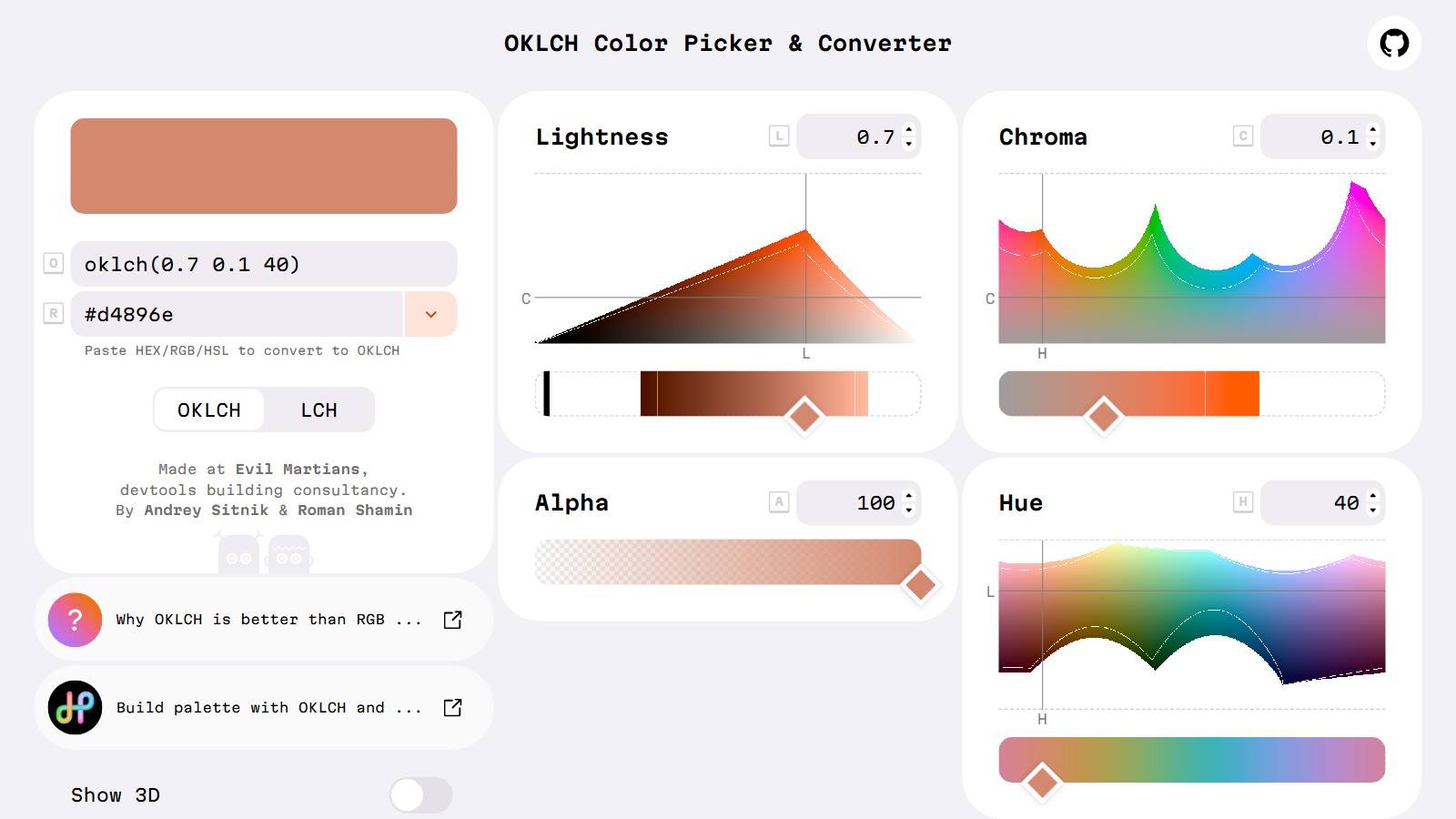
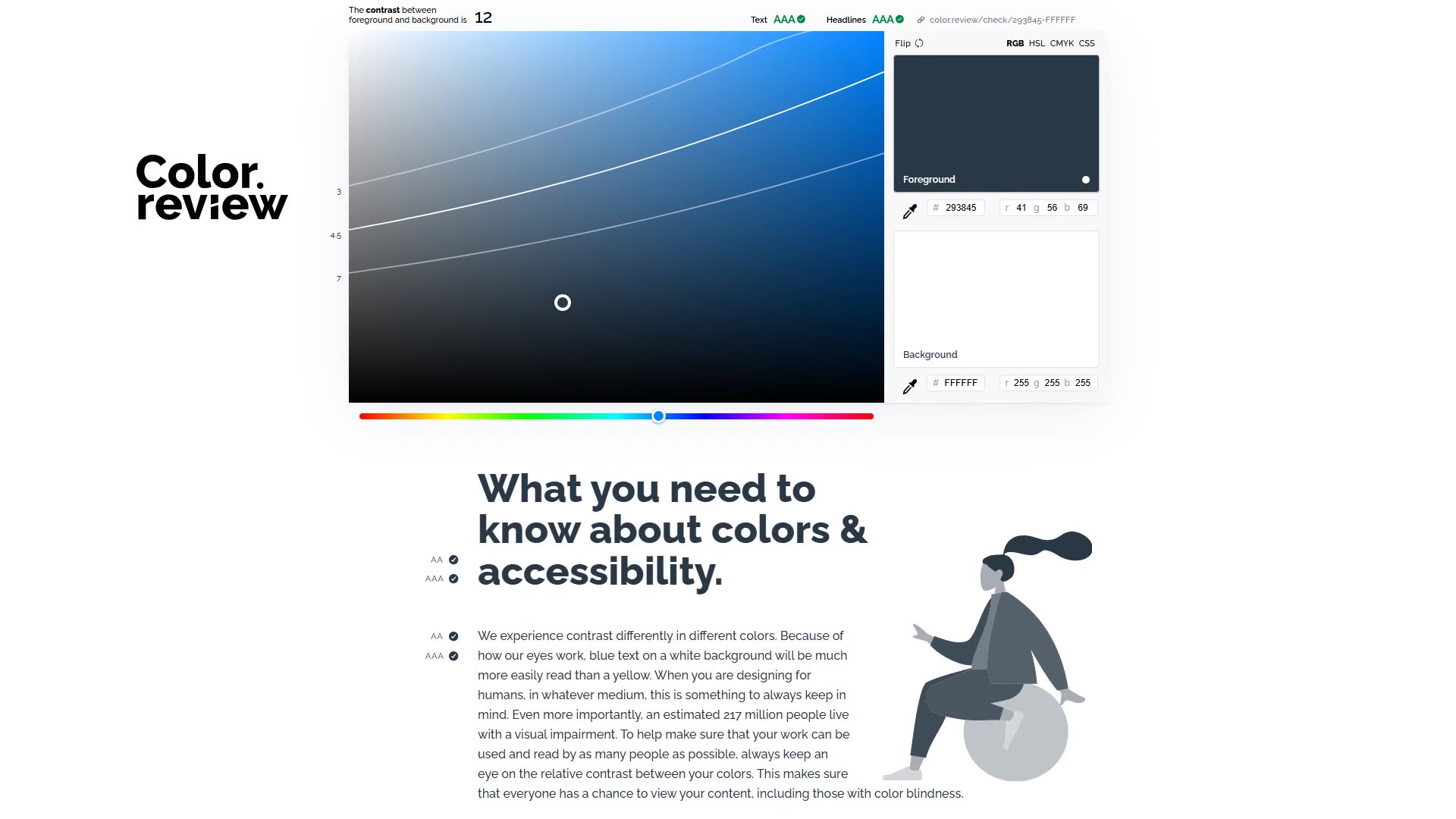
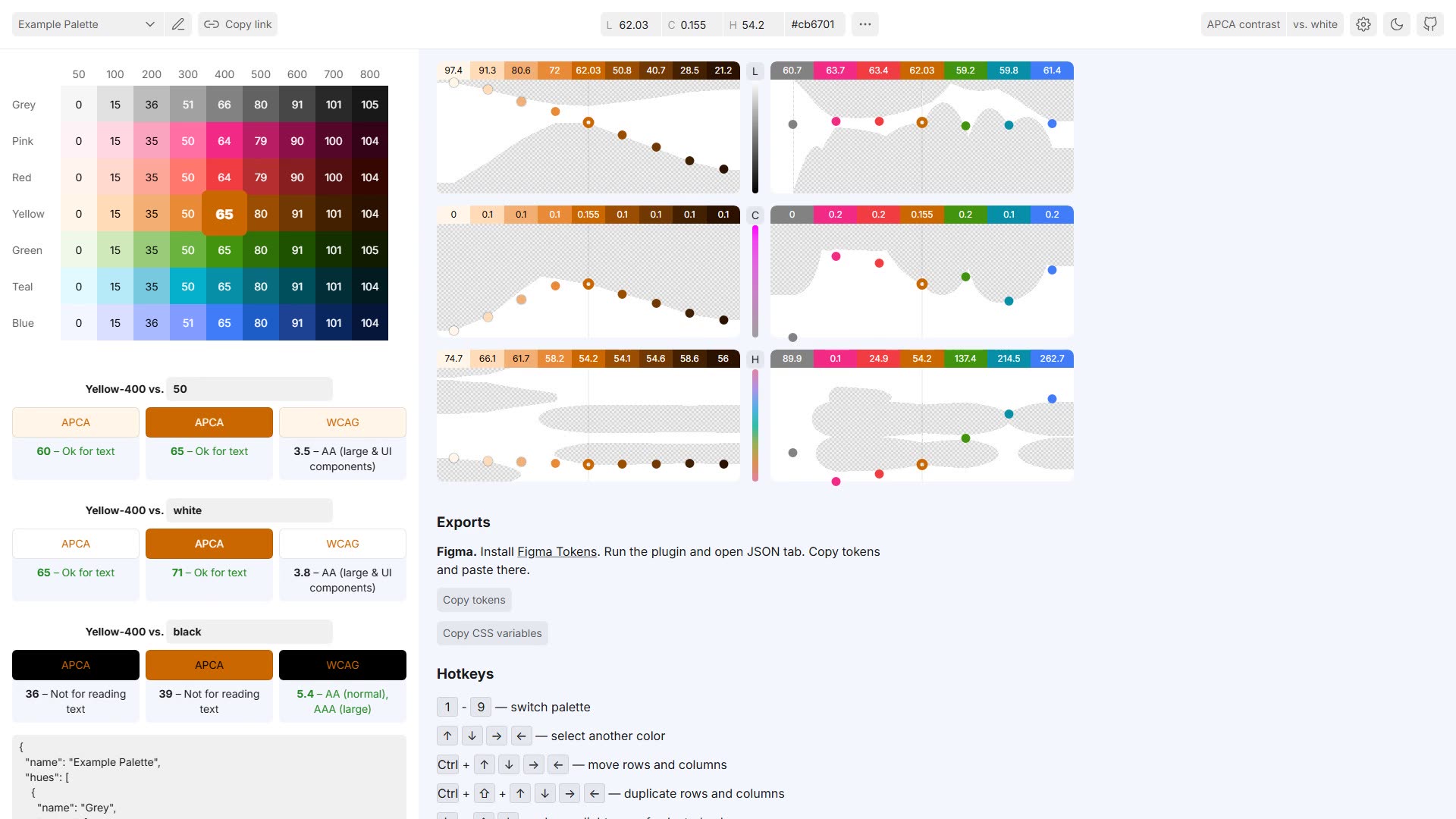
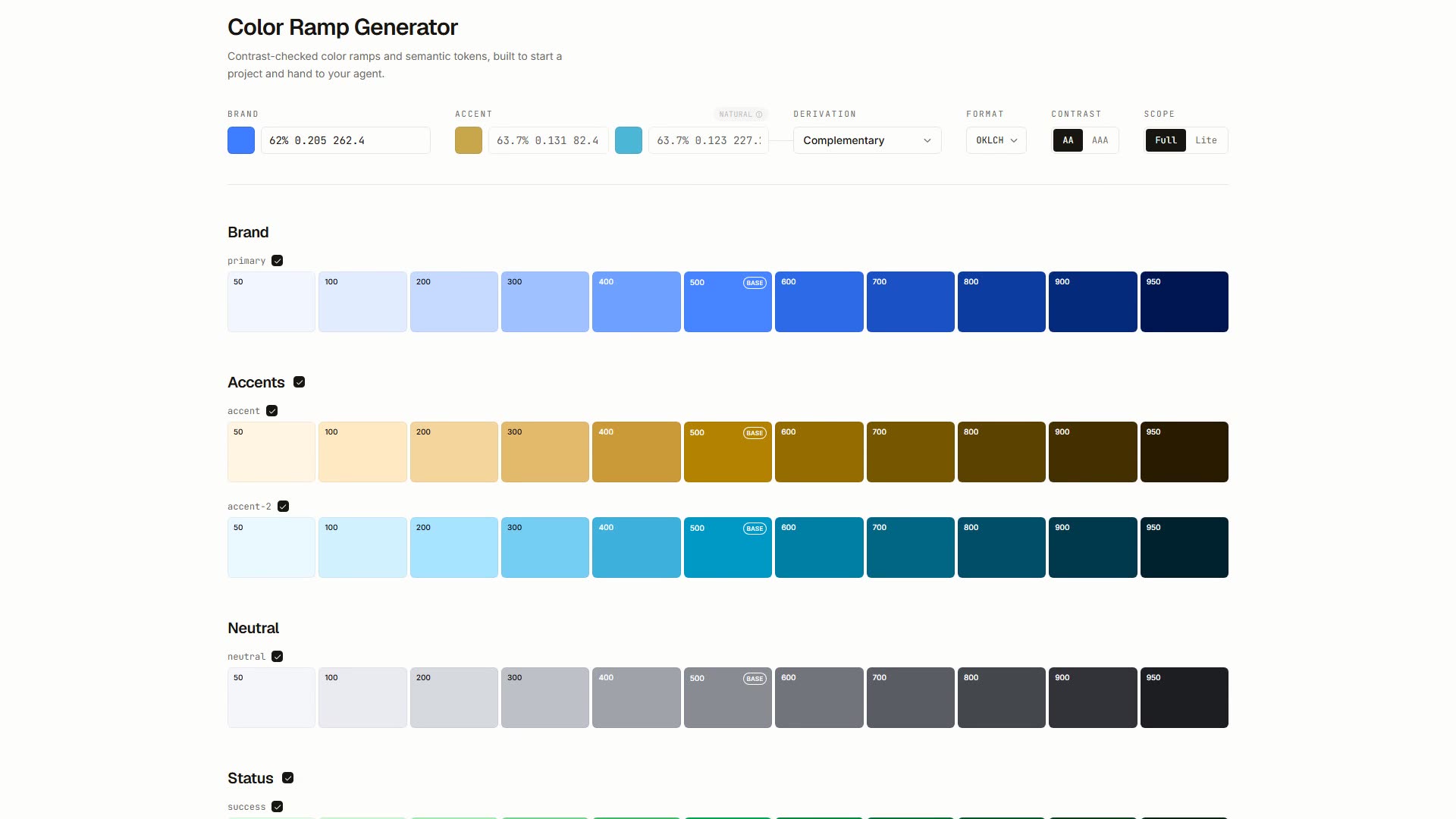
Designeer lists 5 color tools built for UI work, each with a live preview, including OKLCH, Huetone and Color.review. They focus on perceptual palettes, contrast checking and color systems for design tokens.
How do I check color contrast for accessibility?
Tools like Color.review and APCA help you check color contrast so text stays readable and meets accessibility guidance. Testing contrast early keeps your UI usable for everyone and avoids rework later.
What is OKLCH and why use it for color palettes?
OKLCH is a perceptual color space that makes it easier to build palettes with even lightness and predictable steps, which is ideal for design tokens. Tools like Huetone and Ramps use perceptual color to generate consistent, accessible UI palettes.